Product description

Please note that this link contains multiple variations. Please select the product specifications you need to purchase before placing an order.
🎮 Immersive Viewing Experience
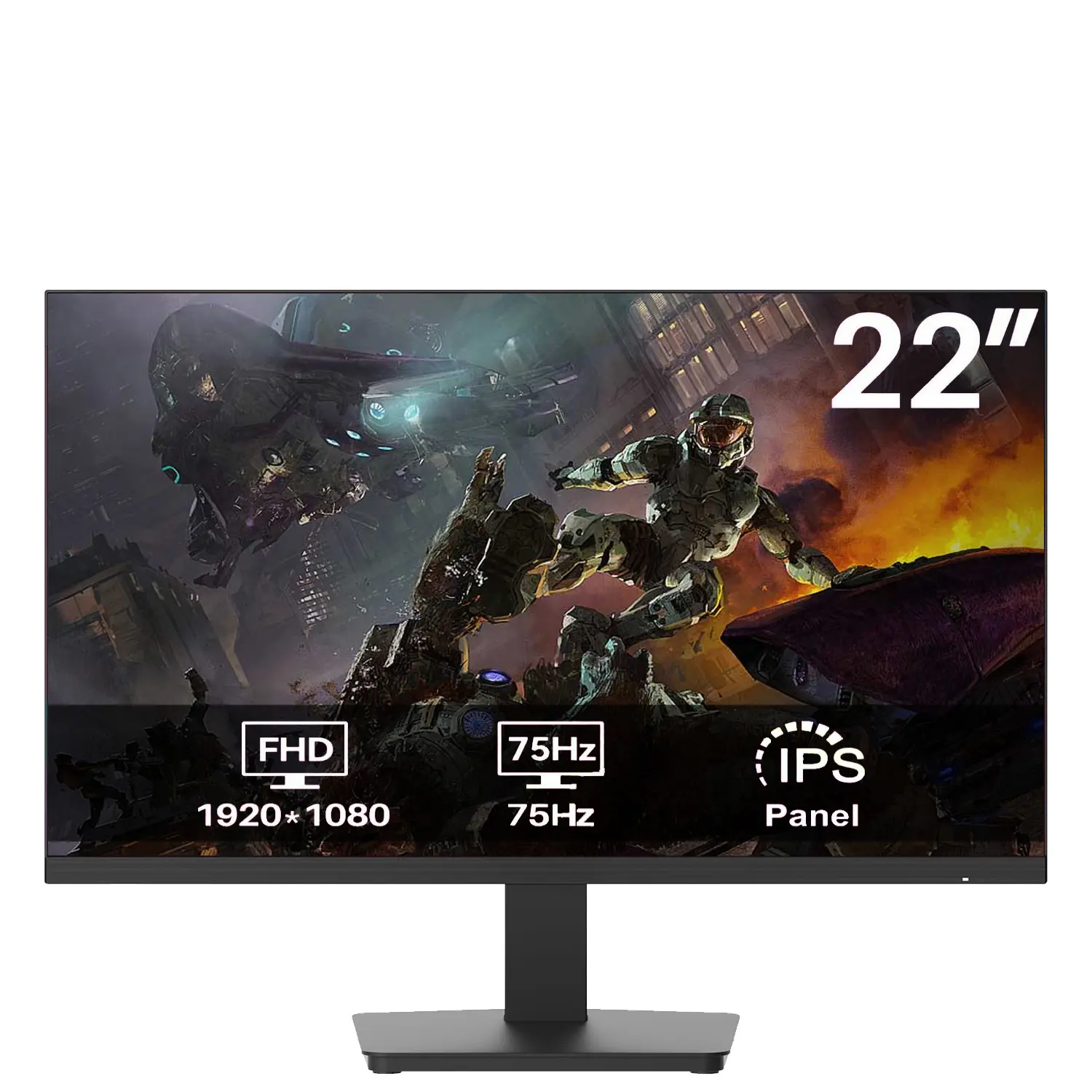
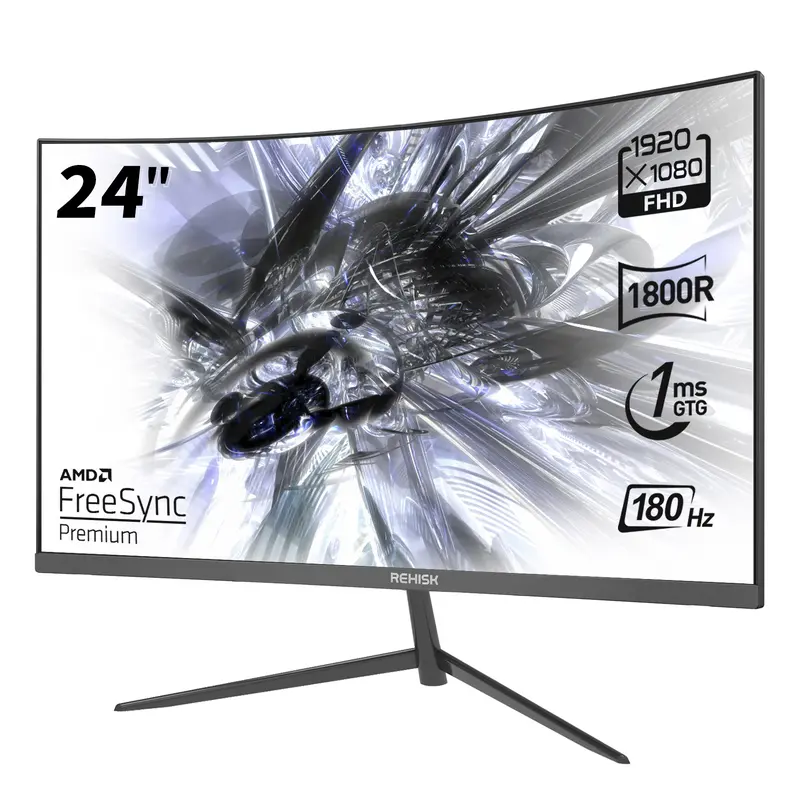
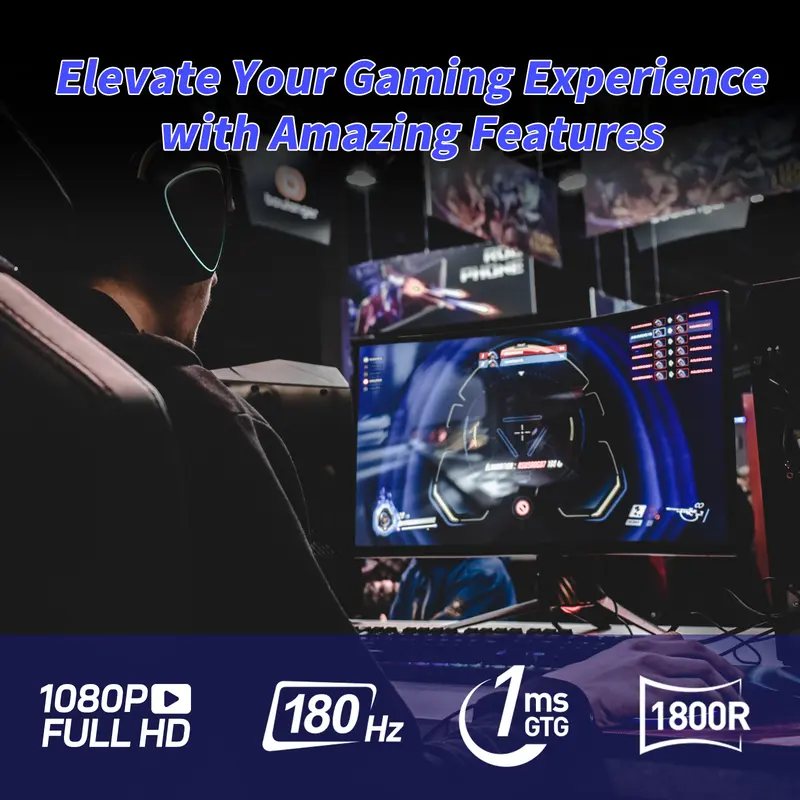
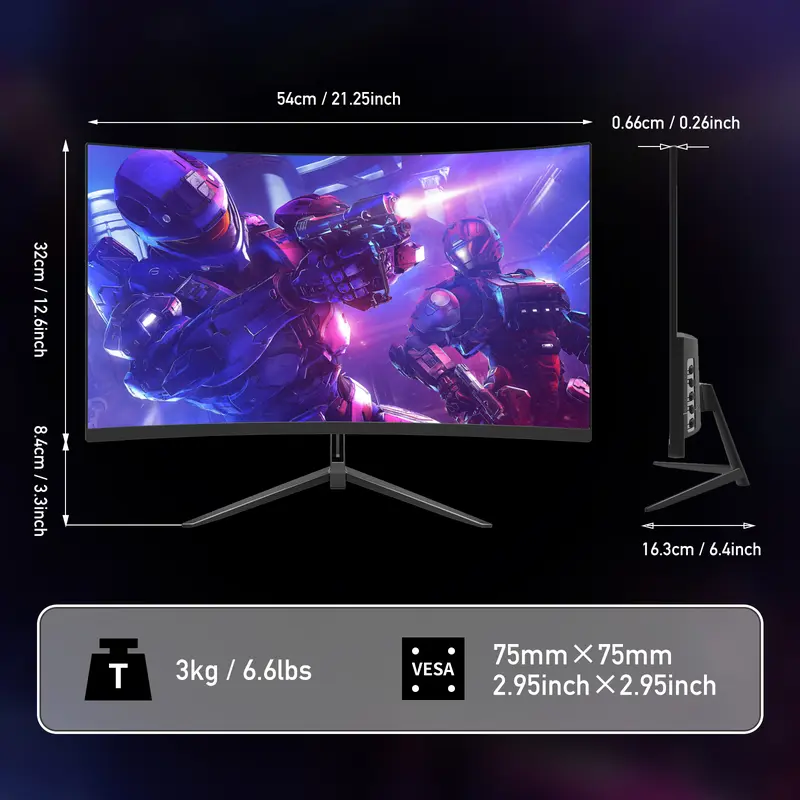
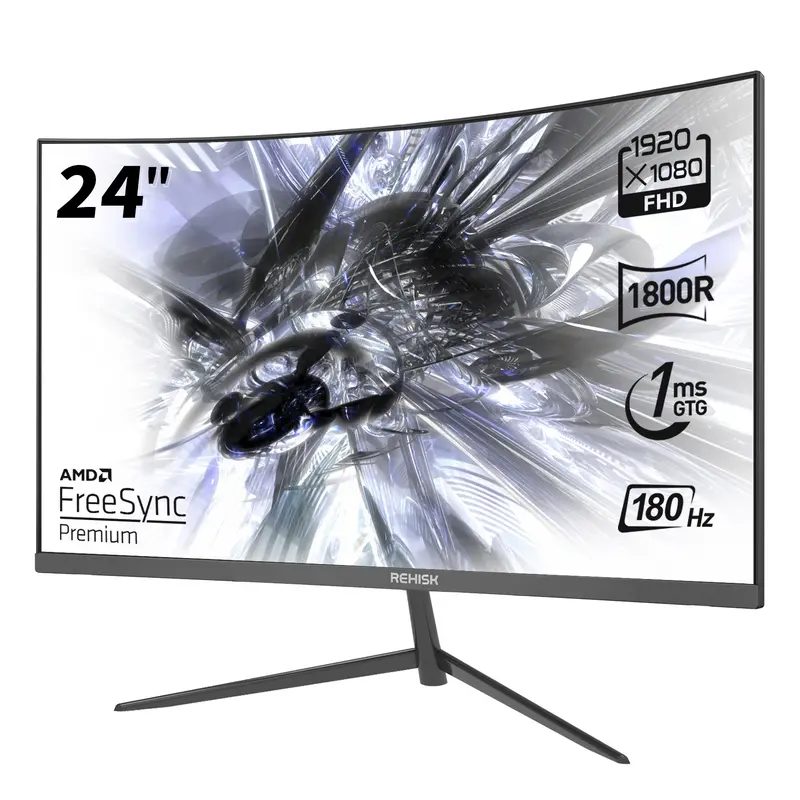
This 24-inch curved gaming monitor features a Full HD (1920x1080) resolution and a 1800R curvature. It enhances focus and engagement, providing an immersive experience for gaming, movies, or work. The curve adapts to your field of vision, making it ideal for competitive gaming and esports.
⚡ Fast Refresh Rate & Response Time
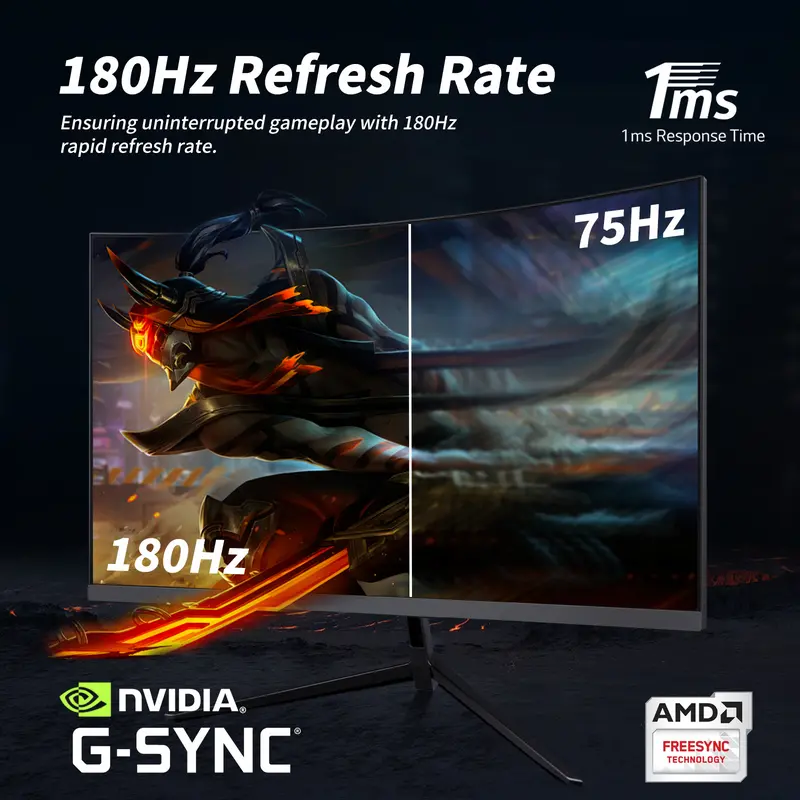
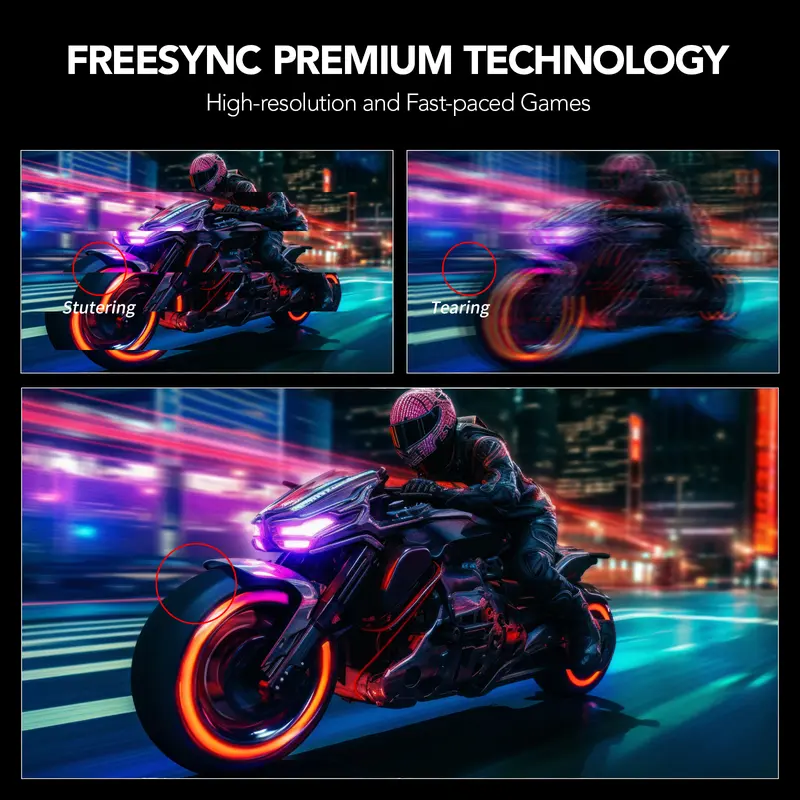
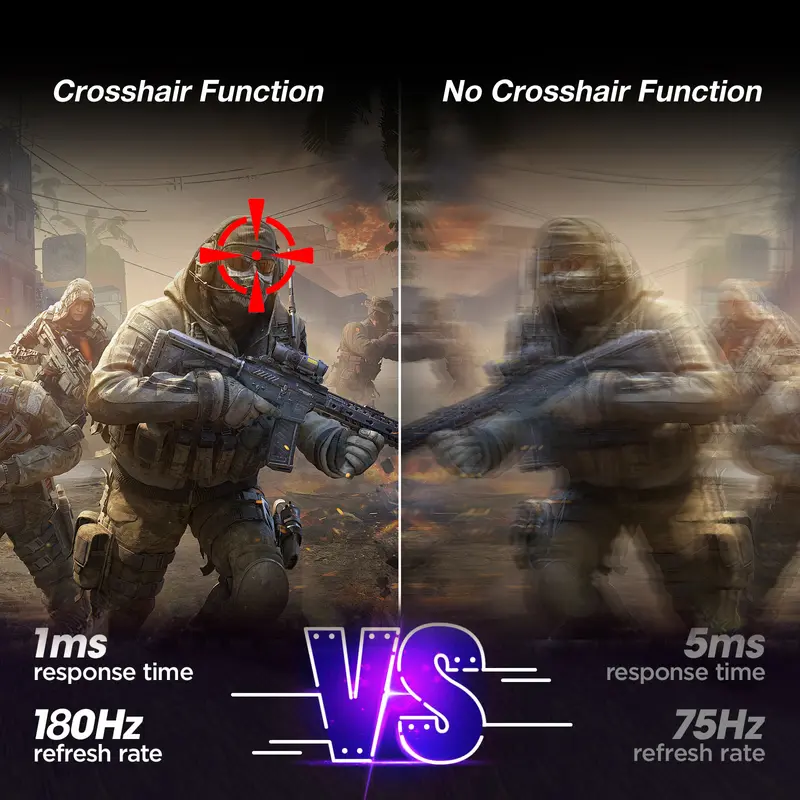
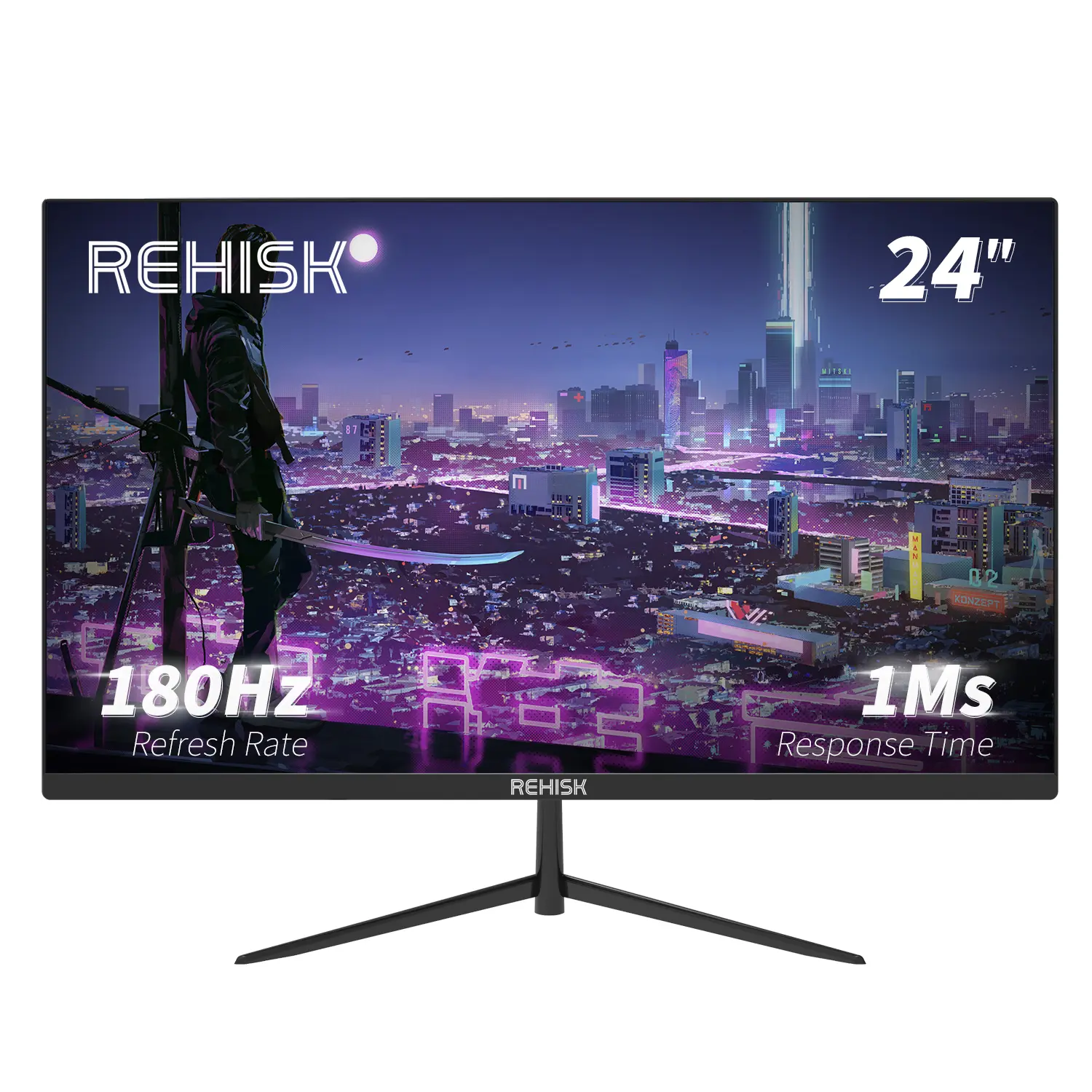
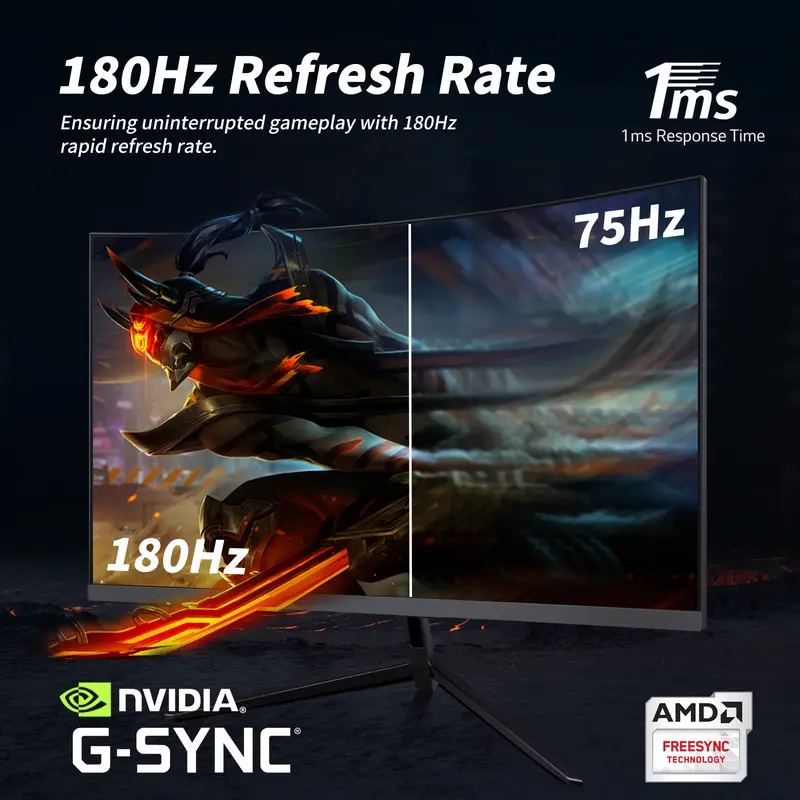
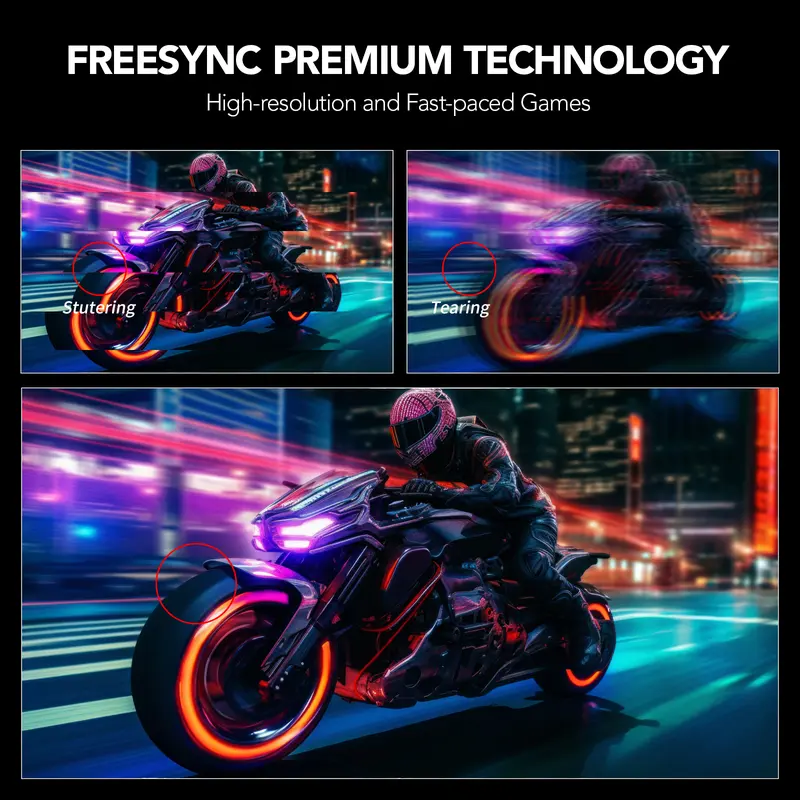
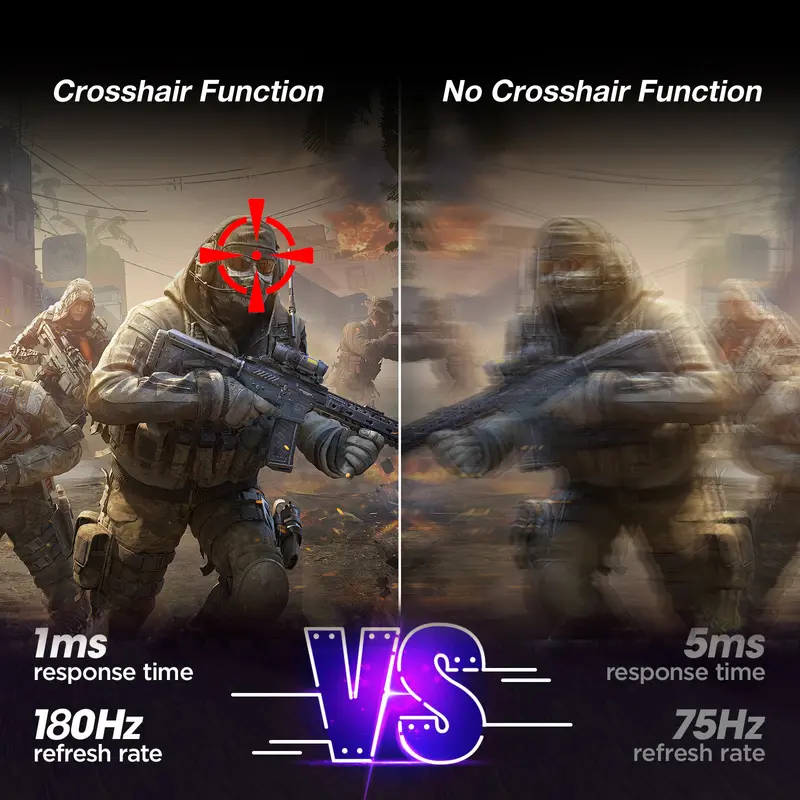
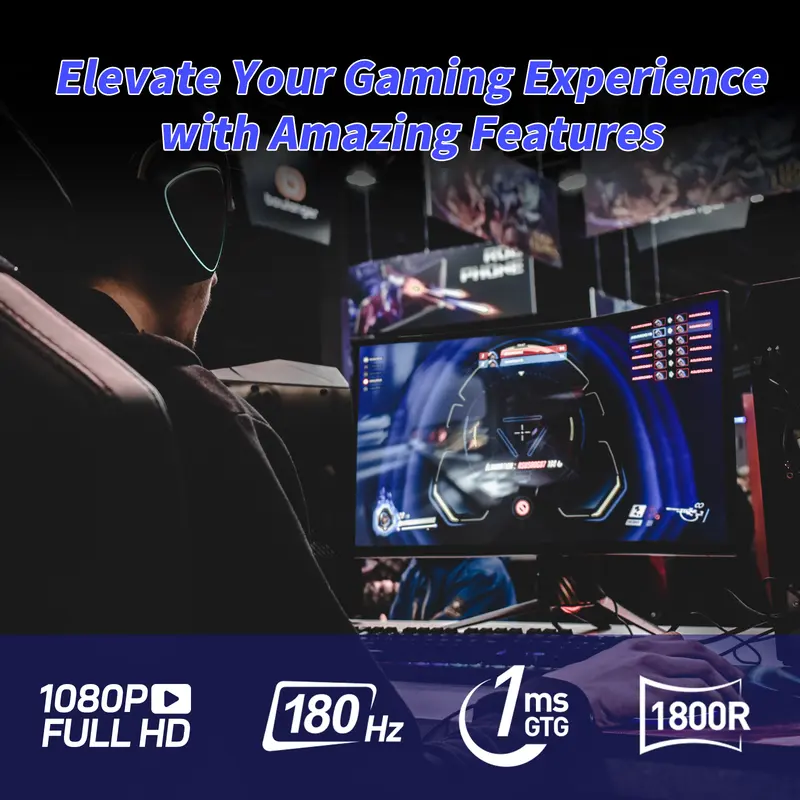
Equipped with a 180Hz refresh rate and 1ms response time, this monitor handles fast-paced action smoothly. Enjoy tear-free gaming and video playback with minimal motion blur and no screen tearing. The ultra-fast refresh rate ensures everything is fluid and sharp.
🎨 Excellent Color Reproduction
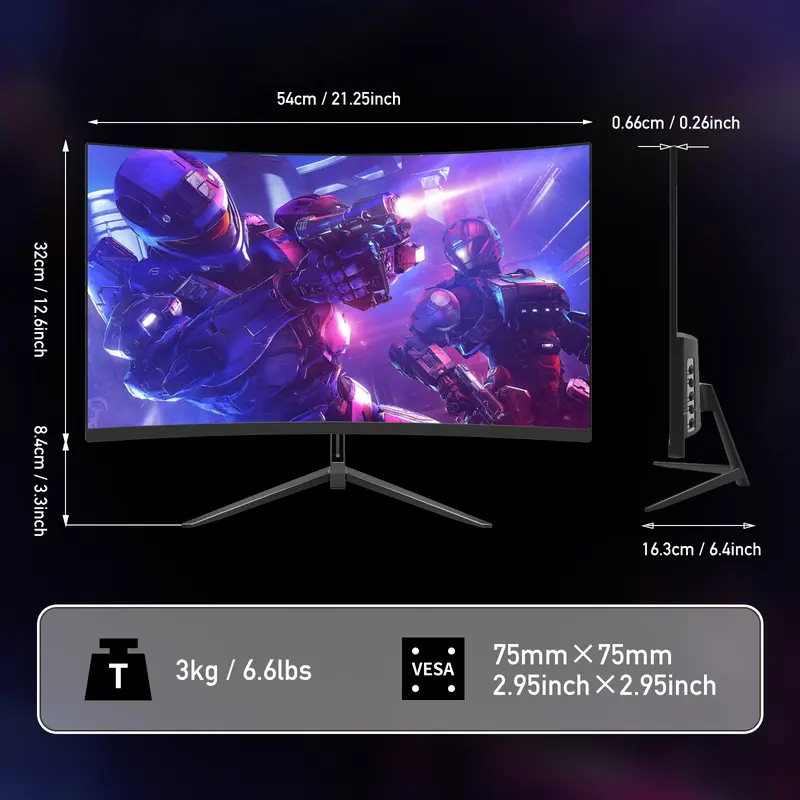
The IPS panel offers deep blacks, vibrant colors, and a high contrast ratio. The wide 178° viewing angle ensures consistent picture quality. The near-frameless design maximizes screen real estate, supporting VESA 75x75mm mounting for flexibility.
🔧 Connectivity & Audio Features
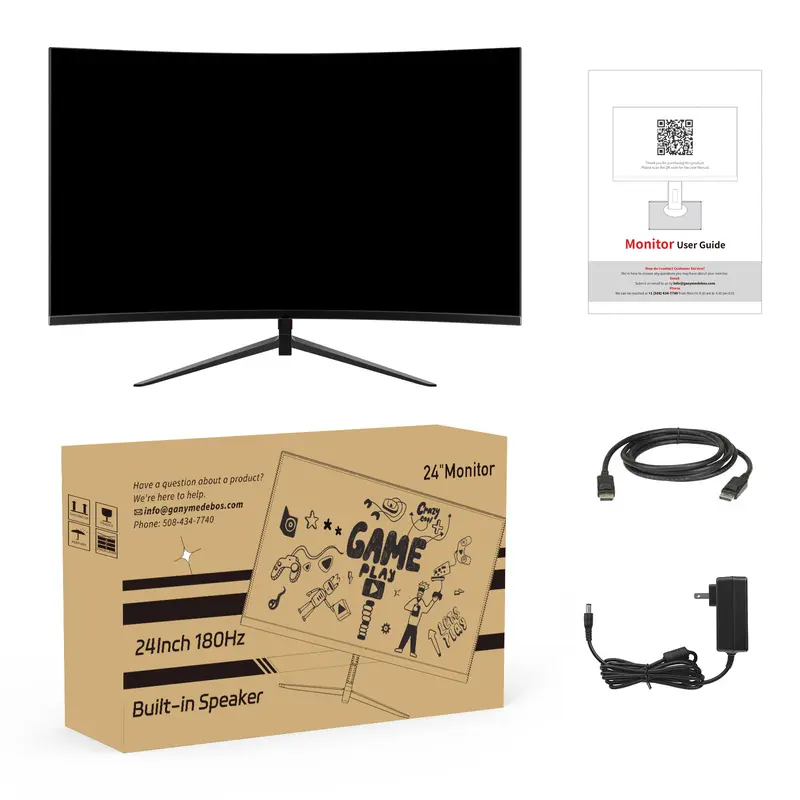
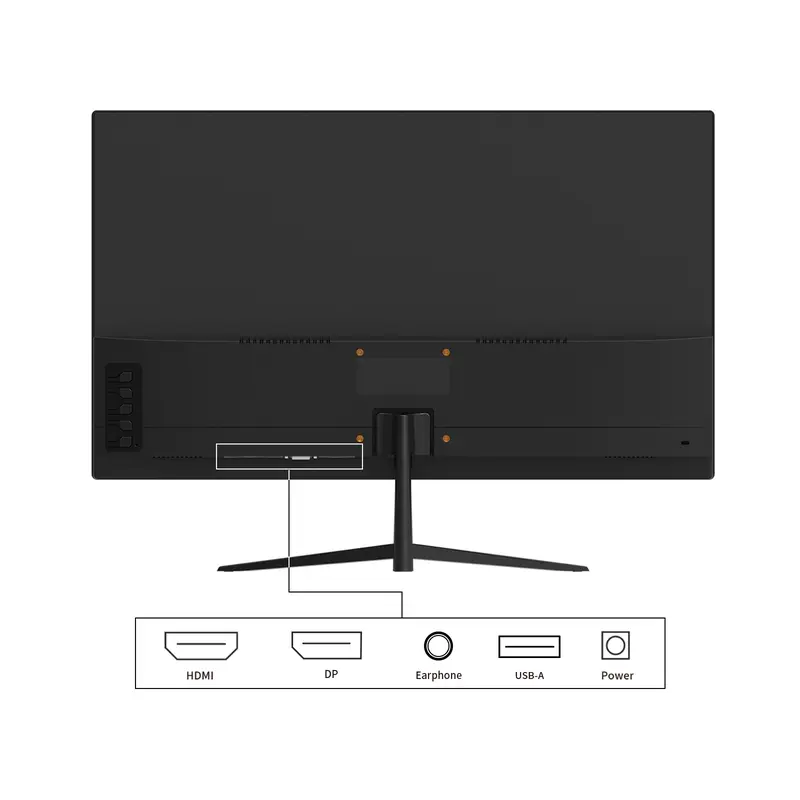
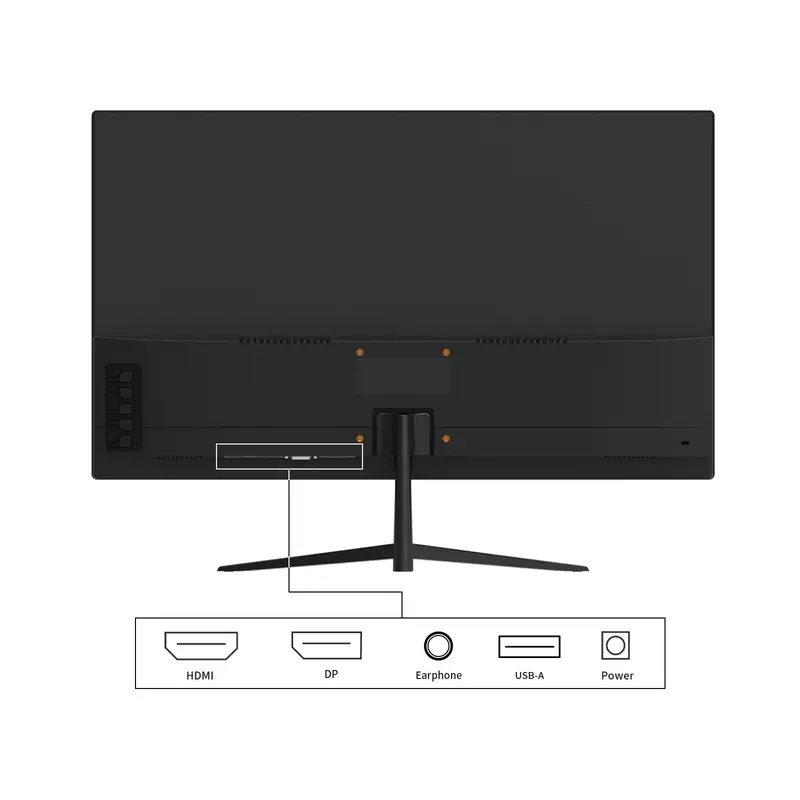
HDMI and DisplayPort inputs make connectivity easy. Built-in speakers provide basic audio functionality. The package includes a DisplayPort cable, HDMI cable, power adapter, and user manual. For any issues, contact our customer service team. Your satisfaction is our priority.
Get the Best Performance from Your Monitor
How to Set the Refresh Rate to 180Hz
️ Important Notice Before You Start
To achieve 180Hz refresh rate, ALL of the following conditions must be met:
A 180Hz-capable monitor
A graphics card that supports 180Hz output
A DisplayPort (DP) or HDMI 2.0 / 2.1 cable (included or recommended)
Correct system and monitor settings
If any of these conditions are not met, the refresh rate may default to 60Hz or 120Hz.
Step 1: Use the Correct Cable
Recommended
DisplayPort (Best Choice) – Supports 180Hz easily
HDMI 2.0 / HDMI 2.1 – May support up to 180Hz depending on device
Not Recommended
HDMI 1.4
VGA / DVI
Tip: For the best gaming experience, we strongly recommend using DisplayPort.
Step 2: Set 180Hz on Windows PC
For Windows 10 / Windows 11
Right-click on the desktop
Select Display settings
Scroll down and click Advanced display
Choose your monitor
Click Refresh rate
Select 180Hz
Done! Your monitor is now running at 180Hz.
Step 3: Set 180Hz in Graphics Card Control Panel
NVIDIA Graphics Card
Right-click desktop NVIDIA Control Panel
Go to Change resolution
Select your monitor
Choose 1920×1080 / 2560×1440 (native resolution)
Select 180Hz
Click Apply
AMD Graphics Card
Right-click desktop AMD Software: Adrenalin Edition
Go to Display
Select your monitor
Set Refresh Rate to 180Hz
Step 4: Enable 180Hz in Monitor Menu (OSD)
Press the Menu button on the monitor
Go to Settings / Gaming Settings
Enable High Refresh Rate / Overclock / 180Hz Mode (if available)
Save and exit
Some models require manual activation of high refresh rate in the monitor menu.
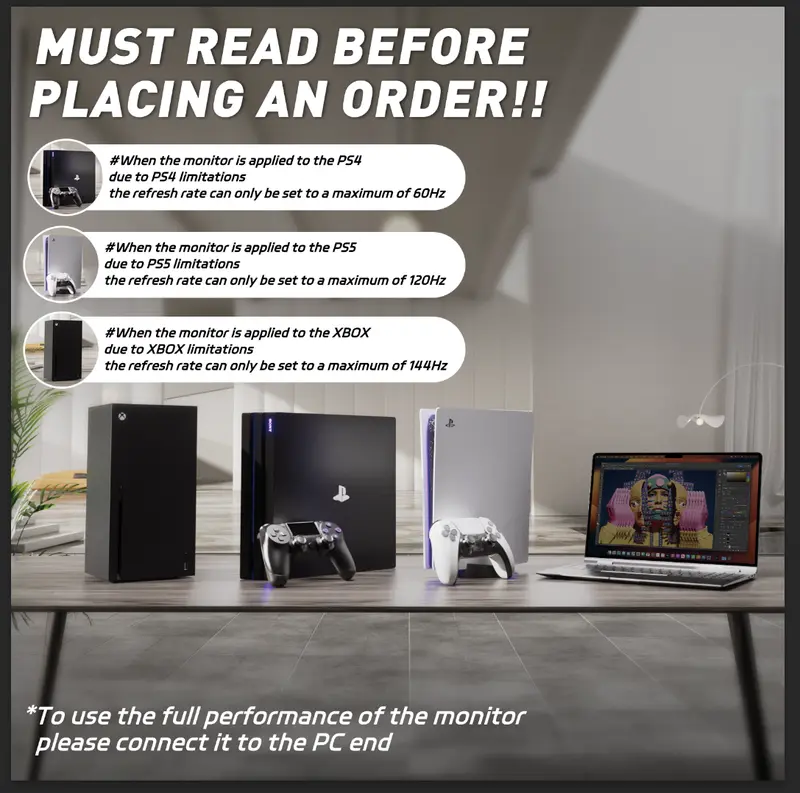
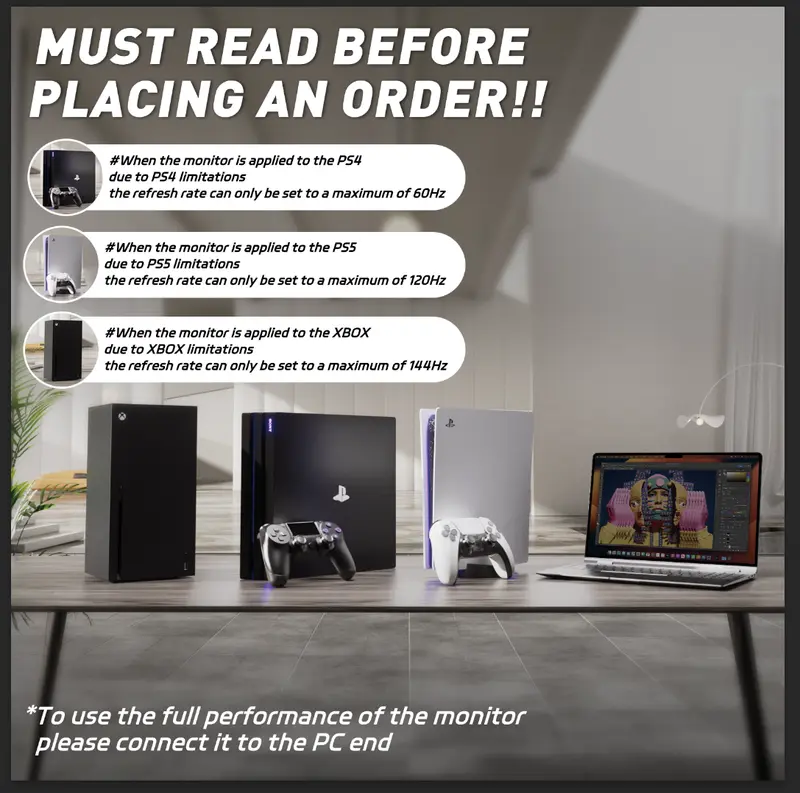
Step 5: Console Users (PS5 / Xbox)
PlayStation 5
Supports up to 120Hz (hardware limitation)
Set path: Settings Screen and Video Video Output Enable 120Hz Output
Xbox Series X / S
Supports up to 120Hz
Set path: Settings General TV & Display Options Refresh Rate 120Hz
️ 180Hz is available on PC only. Consoles are limited to 120Hz.
Common Questions (FAQ)
Why is my monitor only showing 60Hz?
Incorrect cable used
Refresh rate not changed in system settings
Graphics card does not support higher refresh rates
Does higher refresh rate really matter?
Yes! Higher refresh rates provide:
Smoother motion
Faster response in games
Reduced motion blur
Better competitive gaming performance
Is 180Hz harmful to the monitor?
No. 180Hz is the native supported refresh rate of the monitor and is completely safe for long-term use.
Final Tip for Best Experience
Use DisplayPort Set refresh rate in Windows + GPU control panel Enable high refresh rate in monitor menu
If you need help, feel free to contact our customer support. We’re always happy to assist!
Enjoy ultra-smooth visuals with your high refresh rate monitor!